Nota is becoming more flexible about where useful notes begin.
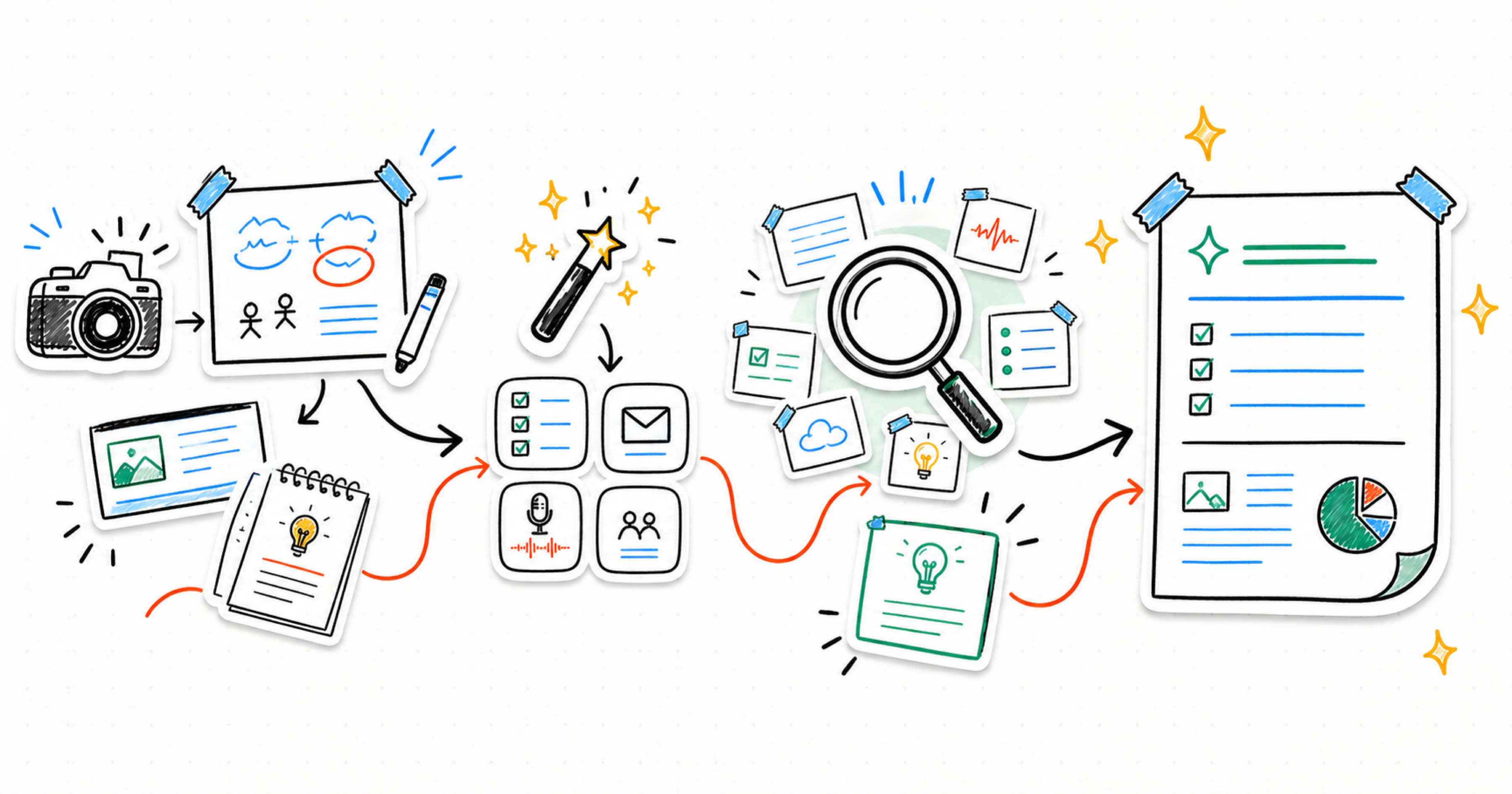
The latest update expands Nota beyond spoken input alone. You can now use images as a source for notes, move faster with assistant quick actions, search more intelligently across your note base, and create stronger Smart Notes from the context you have already captured.
It is still the same direction for the product: capture the raw material, keep it private, and turn it into something you can actually use.
Images as a source for notes
Not every useful note starts as audio. Sometimes the important context is a photo, screenshot, whiteboard, slide, receipt, sketch, or visual reference you saved because you knew it would matter later.
Nota can now treat images as source material for notes. That makes the app more useful for moments when the idea is visual first, or when you want to keep image-based context together with the rest of your thinking.
Assistant quick actions
The note assistant is more useful when it is easy to start.
Quick actions give you faster ways to ask for common outputs without writing the prompt from scratch every time. Use them to move from a captured note into decisions, next steps, summaries, risks, or follow-up questions with less friction.
You can still ask the assistant directly, but the most common paths are now closer to the surface.
Smart Search
As your note base grows, finding the right idea matters as much as capturing it.
Smart Search helps you recover notes and context across the material you have saved. Instead of remembering the exact title, date, or recording, you can search by what you are trying to find and get back to the relevant note faster.
More powerful Smart Notes
Smart Notes have also been updated to work better across your captured context.
That means Nota is better at helping you turn multiple notes into a larger working document: a weekly summary, a project brief, a synthesis of recurring ideas, or a cleaner view of everything you captured about one topic.
The goal is simple: your notes should not stay as isolated recordings, imports, or images. They should become a private knowledge base you can search, ask, and shape into useful output.
What this unlocks
Together, these updates make Nota feel less like a recorder and more like a working memory for ideas.
- Capture more kinds of source material
- Ask the assistant faster with quick actions
- Find notes again with Smart Search
- Build stronger Smart Notes from the context you already have
We will keep improving the flow from capture to understanding, so the useful part of an idea is easier to keep, find, and act on.